Why Your Internet Keeps Dropping Out & How Internet Connection Support Fixes It
If you live in Sydney, you know the frustration. You are in the middle of a video call for work, streaming the latest show, or trying to pay bills online, and suddenly… nothing. The Wi-Fi symbol vanishes. Your connection dies. This is where professional internet connection support in Sydney < www.alwaysapples.com.au/internet-connections > becomes your best friend. Many homeowners assume the fault lies with their provider, but often the problem is much closer to home. Understanding why your internet keeps dropping out is the first step to fixing it permanently.
Common Sydney Household Internet Issues
Sydney homes come in all shapes and sizes, from older terrace houses in Paddington to modern apartments in Parramatta and sprawling family homes in the Hills District. Each environment creates unique challenges for your Wi-Fi. The three most frequent culprits are Wi-Fi congestion, poor router placement, and NBN limitations.
Wi-Fi congestion is a silent killer of stable connections. In dense suburbs like Chatswood or Burwood, your router is competing with dozens of neighbouring networks on the same channel. This interference causes constant dropouts, especially between 7 pm and 10 pm when everyone is online.
Router placement is another massive issue. Many homeowners hide their modem in a cupboard, behind the TV, or in a corner of the garage. This kills signal strength. Physical obstacles like brick walls, concrete floors, water pipes, and even large fish tanks absorb or reflect Wi-Fi signals. Your router needs an open, central location.
NBN limitations also play a role. Depending on your technology type (FTTN, FTTC, HFC, or FTTP), your maximum stability varies. For example, FTTN (Fibre to the Node) uses old copper phone lines from the street to your home. Distance from the node, poor street wiring, or a single faulty cable inside your wall can cause random dropouts that feel impossible to solve. Without proper internet connection support, many Sydney homeowners waste hours restarting their modem or blaming their provider for what is a local issue. Reliable professional assistance helps you identify whether the fault lies inside your four walls or out on the street.
ISP Problems vs Internal Network Issues
Here is the most important distinction you will learn today. Your Internet Service Provider (ISP) is responsible for the connection from their exchange to your home’s NBN connection box. But your ISP does not control your internal network: your router, your cables, your devices, or your Wi-Fi environment.
ISP problems typically affect the entire area or your specific address.
Signs include:
• The outage happens at the same time every day.
• Your NBN modem shows a red or orange light.
• Neighbours report the same dropout pattern.
• The problem occurs regardless of whether you use Wi-Fi or an Ethernet cable.
Internal network problems are different.
They include:
• Dropouts only on Wi-Fi, while wired devices work fine.
• Issues only in certain rooms of the house.
• Problems that start after adding a new appliance (microwave, baby monitor, cordless phone).
• Dropouts that happen when specific devices connect to your network.
Professional internet connection support starts by isolating this difference. A
technician can run a direct Ethernet test from your NBN box to a laptop. If the connection remains stable for 24 hours, the problem is your internal setup. If it drops out even on a wired test, the fault lies with your ISP or the NBN network itself. This single diagnostic step saves days of frustration. Expert technical help is invaluable for homeowners who lack the tools or time to troubleshoot thoroughly.
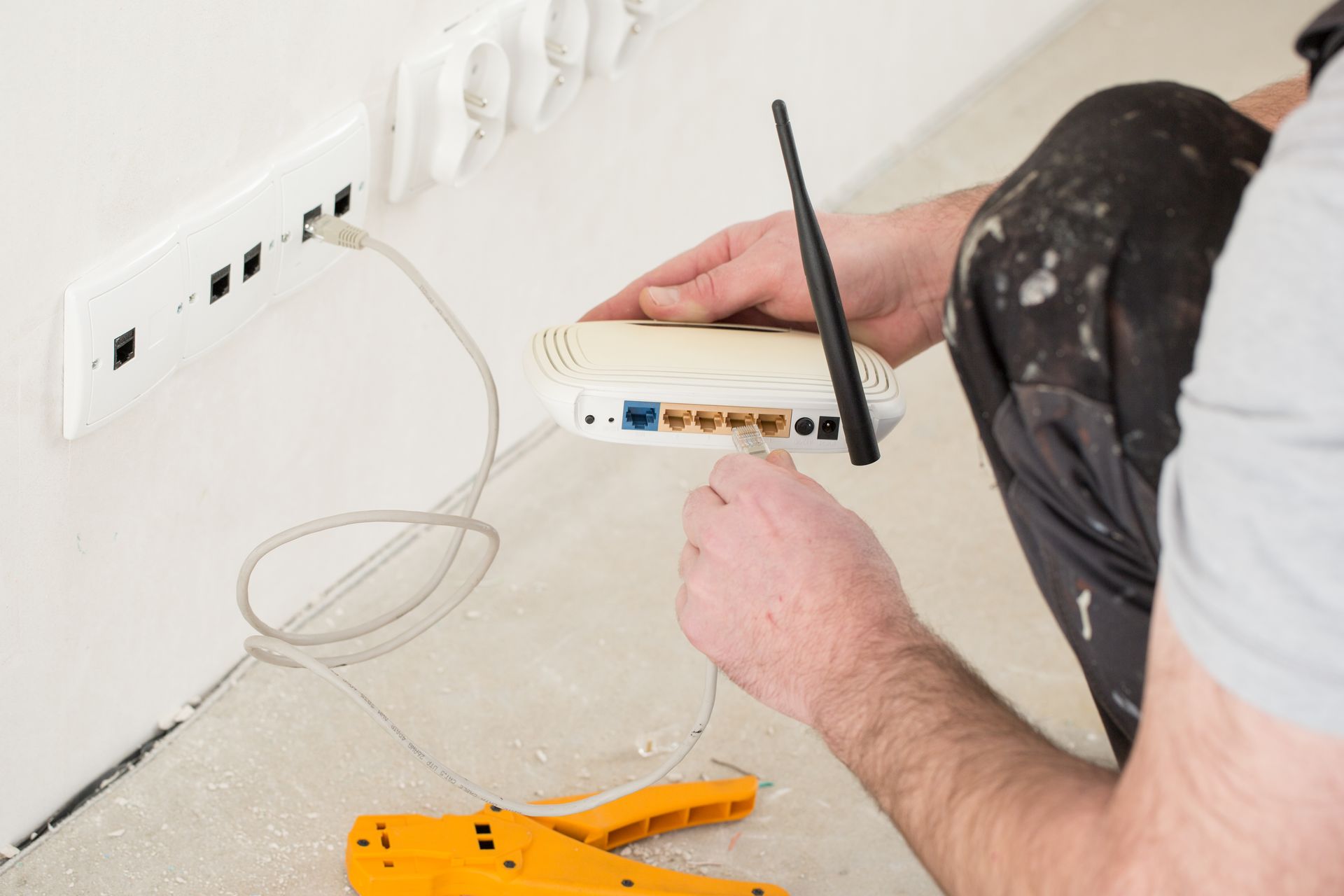
Diagnostic Steps Professionals Use
When you call for internet technical advice, a qualified expert will follow a proven checklist:
- Power cycle correctly – Turn off your router and NBN box. Wait 60 full seconds. Turn on the NBN box first. Wait for all lights to stabilise (usually 2–3 minutes). Then turn on your router. Do not rush this process.
- Check all cables – Inspect the cable from your wall socket to your NBN box. Look for kinks, chew marks (pets are a common cause), or loose fittings. A single damaged Cat5e or Cat6 cable can cause intermittent dropouts that are impossible to trace without proper diagnostics.
- Change Wi-Fi channels – Most routers default to automatic channel selection, but auto does not always work well in congested Sydney suburbs. Manually set your 2.4 GHz band to channel 1, 6, or 11. Set your 5 GHz band to a higher channel like 149 or 157. This alone fixes many dropout issues.
- Update router firmware – Log into your router’s admin panel (usually 192.168.0.1 or 192.168.1.1). Check for a firmware update section. Outdated firmware is notorious for causing random disconnects, especially with older ISP-provided modems.
- Perform a line test – Using your router’s management interface, look for DSL or WAN statistics. High error counts, constantly dropping sync rates, or massive fluctuations in signal to noise ratio indicate a physical line fault inside your home or on the street.
For most homeowners, the best internet technical advice is this: if you have performed the basic steps above and dropouts continue for more than two days, stop guessing. Professional internet connection support brings specialised tools like a time domain reflectometer to trace cable faults, a spectrum analyser to detect Wi-Fi interference, and a loaner router to test if your equipment is failing. This level of expert diagnostics is something no ISP helpline can offer over the phone.
How Professional Assistance Permanently Fixes Dropouts
Once a technician identifies the real cause, they implement a permanent solution. This might be as simple as repositioning your router to the top of a bookshelf or as involved as running a new Ethernet cable from your NBN box to a better location. In cases of severe Wi-Fi congestion, the fix could be installing a mesh Wi-Fi system with dedicated backhaul or swapping to a wired Ethernet connection for critical devices like your work computer.
Sometimes the solution involves your ISP. A good internet connection support technician will provide you with a detailed fault report, including test results, timestamps of dropouts, and evidence of internal stability. Armed with this documentation, you can demand your ISP escalate the fault to NBN Co or change your plan to a more stable technology if available.
For Sydney homeowners with FTTN connections, the ultimate fix might be pursuing a Technology Choice Program upgrade to FTTP, but this is expensive. More affordable solutions include asking your ISP to reprofile your line to a more stable speed profile, replacing old in-wall phone cabling, or installing a VDSL line filter to block interference from your home’s electrical wiring. Getting reliable service from a local expert saves you months of trial and error.
Stop Living With Dropouts
You do not have to accept an unreliable internet connection. Every time your video call freezes or your game lags, you are losing time, money, and patience. The difference between guessing and knowing is professional network troubleshooting backed by real experience.
At Always Apple, we have helped hundreds of Sydney homeowners diagnose and eliminate dropouts permanently. We do not just restart your modem and leave. We test, measure, and verify. We show you exactly where the problem lives and what it costs to fix it. Our internet connection support is thorough, honest, and tailored to your home’s unique layout and technology type.
Ready to enjoy stable, fast internet again? Do not wait another week of frustration. Contact us today to book your professional connection assessment. Our team proudly serves Sydney homeowners from Penrith to Manly, Campbelltown to Hornsby.